Business operations & governance
Apply your tariffs, track commissions and bring financial, stock, workforce and quality records into context.
FINANCEBilling, tariffs & time-based pricing
Set organization and clinician tariffs, apply configured time-based or nighttime pricing, and follow collections, refunds and balances.
- Configure organization and clinician-specific test billing strategies, across selected tests or broad test groups.
- Apply percentage or fixed discounts and surcharges, and bill test packages using saved package prices and concessions.
- Apply eligible nighttime adjustments within configured server-hour ranges, including ranges crossing midnight.
- Recalculate checkout totals on the server before saving billing transactions.
- Record payments, refunds and receivables; use configured NHIS member and claim-check workflows.
Why it mattersBilling staff can use the facility's agreed tariffs and pricing rules rather than calculating each relationship or out-of-hours charge from memory.
Configuration & scopeNight pricing uses the server's local clock, not an appointment timestamp; the reviewed package checkout excludes night adjustments. Package prices are not claimed to vary by clinician or organization. NHIS claim-check support is not end-to-end external claims submission.
SUPPLYInventory & purchasing
Manage suppliers, items, units and storage locations, then follow purchase orders, receipts, stock issues and consumption.
- Create supplier, item, storage-location and unit records.
- Receive purchases and track stock movements, balances and consumption.
- Review configured stock and expiry alerts and supplier payment records.
Why it mattersPurchasing and stock decisions have a record of what was ordered, received and used.
Configuration & scopeAlerts and consumption rules depend on configuration; physical counts remain part of stock control.
FINANCEAccounting & financial control
Work with a general ledger, journals, financial statements, aging reports, accounting periods and imported bank-statement matching.
- Review the trial balance, income statement, balance sheet, cash flow and receivable/payable aging.
- Approve, post or reverse manual journals and manage accounting periods and daily close.
- Import bank statements and match or unmatch their lines against recorded transactions.
Why it mattersFinance teams can review operational transactions through accounting records and period controls rather than isolated totals.
Configuration & scopeImported statement matching is not direct bank connectivity or guaranteed automatic reconciliation.
PEOPLE & REFERRALSPayroll & commission tracking
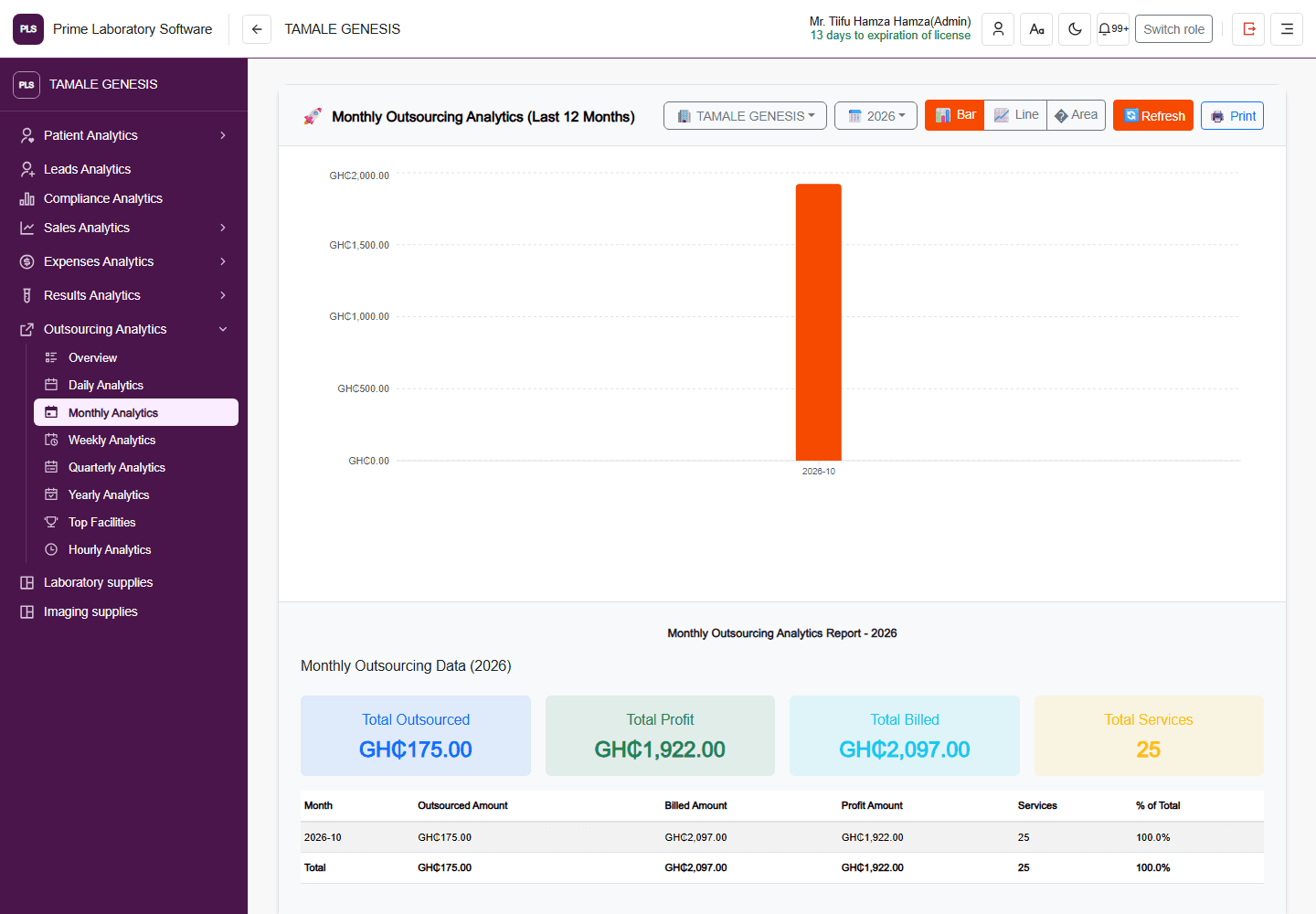
Manage staff compensation and payroll periods, and follow clinician and organization commissions through calculation, batches and payment history.
- Configure compensation, allowances, attendance, leave and deductions.
- Process payroll through configured approval, locking, paid-status and reversal stages.
- Create commission configurations and assign rules system-wide or to clinicians and organizations.
- Track service-level commissions, prepare batches and review payment history.
- Use administrator-restricted commission batch payment processing.
Why it mattersStaff compensation and referral obligations can be reviewed as traceable workflows instead of disconnected spreadsheets.
Configuration & scopePayroll deductions and commission agreements need facility-specific policy review. Configuring or calculating a commission is not confirmation that it has been paid.
INSIGHTManagement reporting
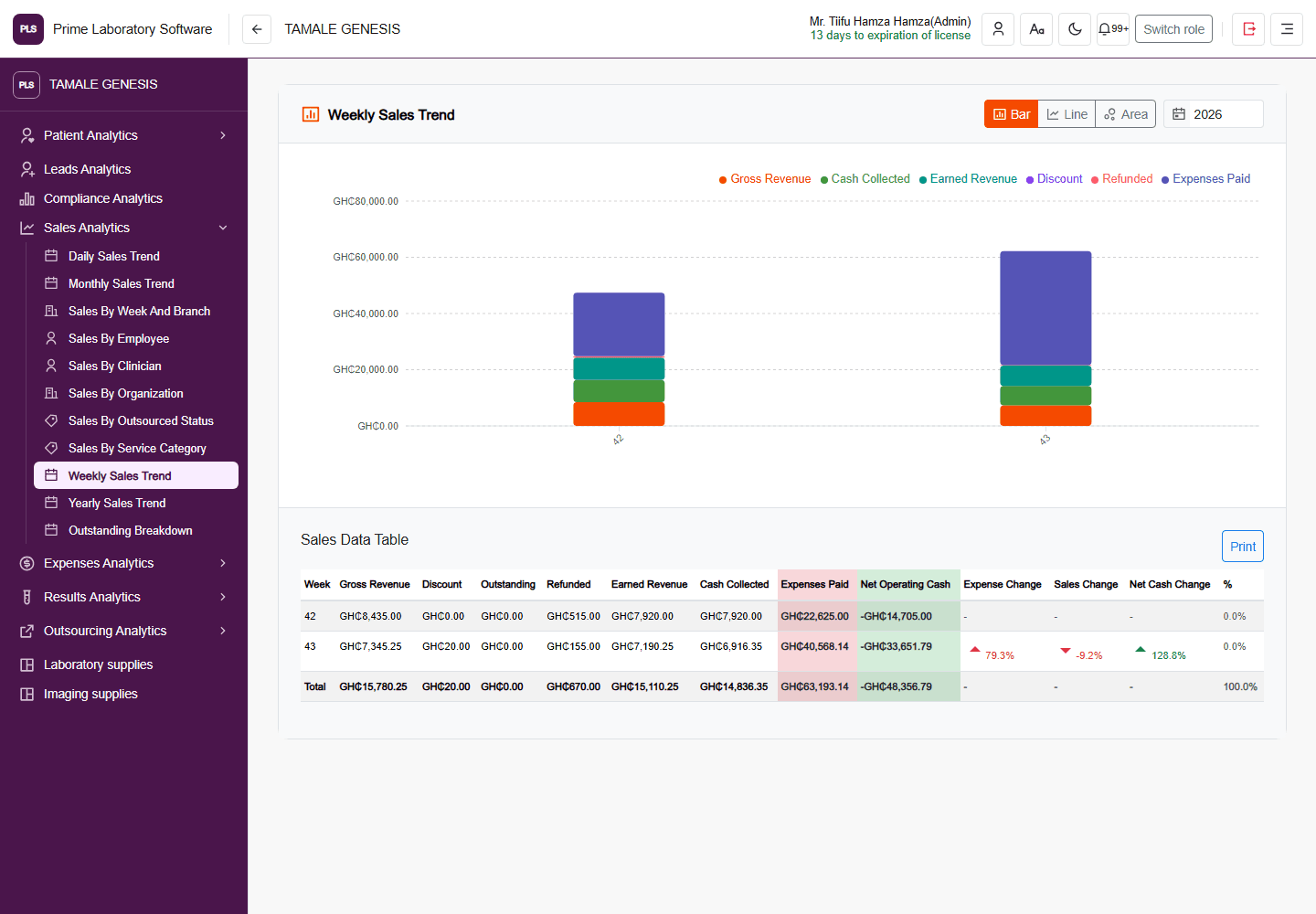
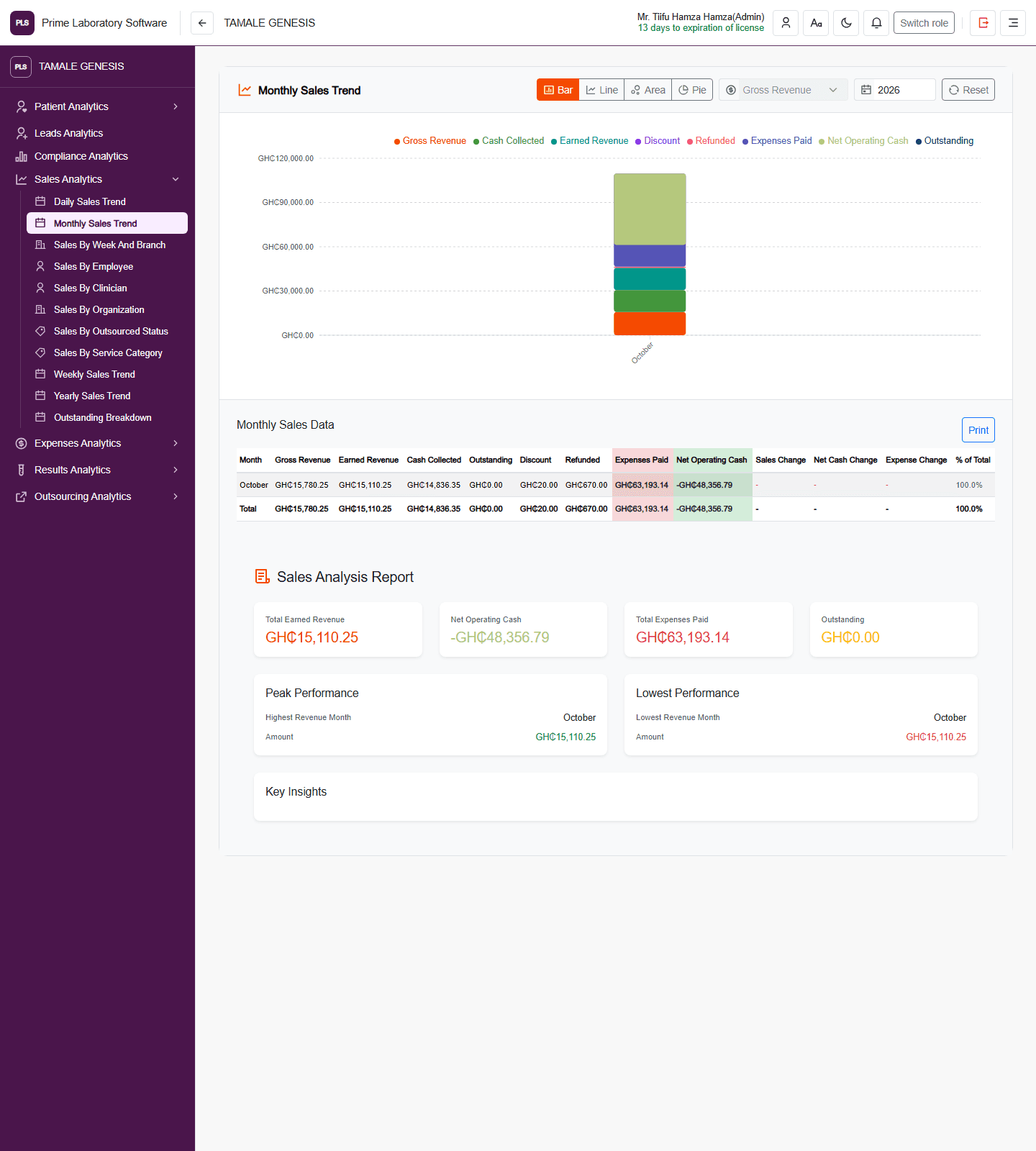
Review workload, revenue, inventory activity and outstanding balances using the laboratory's operational records.
- Review workload and operational activity over selected reporting periods.
- Follow revenue, collections and outstanding balances.
- Review inventory movement and consumption with configured management summaries.
Why it mattersManagers can investigate activity from connected records instead of assembling each summary from separate tools.
Configuration & scopeFigures depend on complete source data, reporting definitions, date ranges and permissions.
QUALITYQuality control & governance
Organize quality-control sessions, control readings, device calibration and incident records alongside laboratory operations.
- Maintain control materials, sessions and readings for quality review.
- Record device calibration activity.
- Document incidents and review configured quality analytics and audit records.
Why it mattersQuality teams have a structured record of controls and follow-up work rather than separate logs without operational context.
Configuration & scopeQuality rules and device acceptance are configured locally; software features are not a claim of regulatory certification.
ACCOUNTABILITYAudit history & access controls
Review available result-change history, report viewing/printing records, specimen actions and financial activity within configured staff access boundaries.
- Review available result-change records, including old/new values and edit-session context where tenant audit triggers are installed.
- Review recorded report viewing and printing events.
- Review calculated-result inputs and outputs recorded by server-side calculations.
- Follow specimen audit history and financial transaction records.
- Configure staff roles and permitted access to patient and operational information.
Why it mattersTeams can investigate recorded changes and hand-offs with accountability rather than relying only on the current value or a verbal explanation.
Configuration & scopeAudit coverage is workflow-specific and result-change history depends on tenant database audit setup. This is not a claim that every action across the system is captured, that every record identifies the editing user definitively or that audit records are immutable.